Part of the Revenue Operations: How to Stop Revenue Leaks Between Teams in 90 Days series
Speed to lead measures the time to a meaningful response, not just an automated acknowledgement. Define request-specific routing, primary and backup owners, response standards, and a review process that assesses both speed and relevance.
Key Takeaways
- Separate automated receipt from meaningful response.
- Route by request type, fit, urgency, and owner availability.
- Set service standards the team can meet consistently.
- Measure response quality and buyer outcomes alongside speed.
In this articleShowHide
Playbooks
Frameworks you can put to work
Growth marketing, LinkedIn presence, and more — delivered as PDFs.
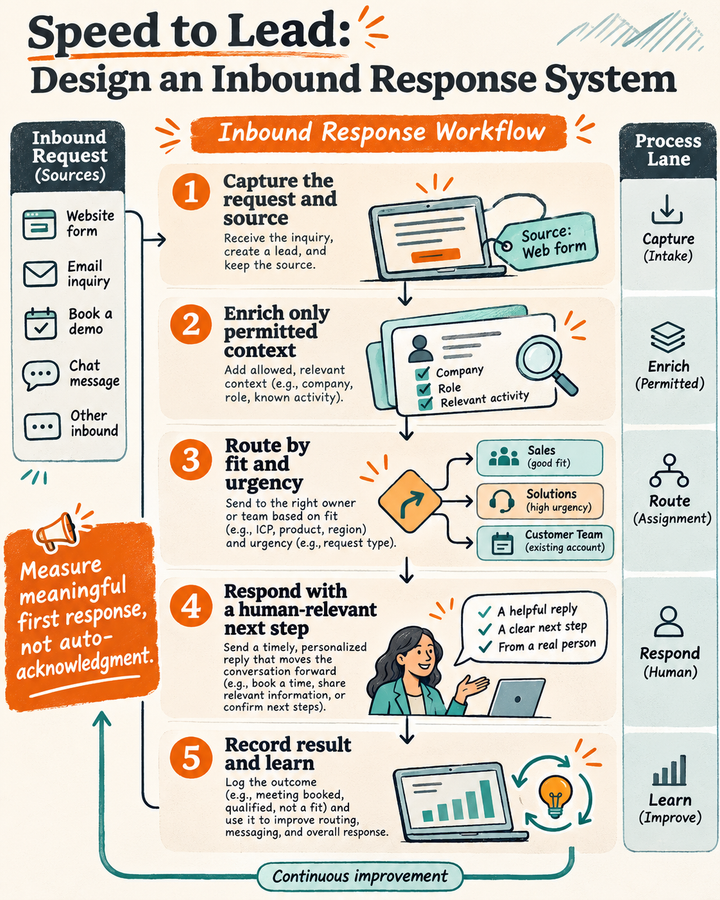
Browse the playbooksSpeed to lead is the operating system that moves a valid inbound request to the right person and a useful response. It includes intake, routing, ownership, a response standard, and learning from outcomes. The aim is not to send the fastest possible message to everyone. It is to respond promptly in a way that matches the buyer’s request, account fit, and urgency.
This guide shows how to build that system and measure it. It is part of the Revenue Systems pillar and connects to the revenue leak triad and sales and marketing alignment.
What speed to lead measures
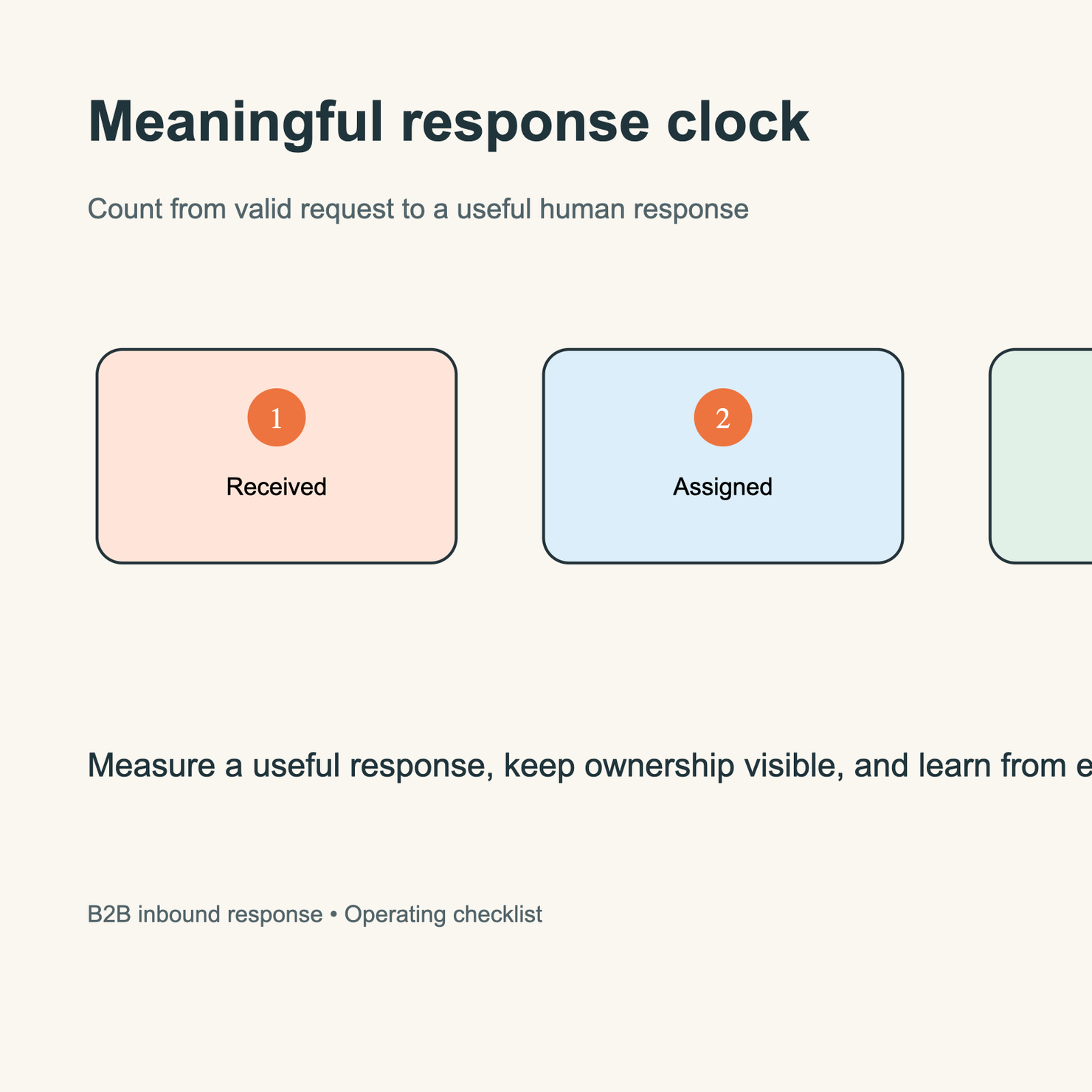
Measure the time from a valid inbound request to the first meaningful response. An automated receipt confirms that a form worked, but it does not answer a buyer’s question or schedule the requested conversation. Track both acknowledgement and human response if useful, and label them separately. Define the clock start, working hours, holidays, and what counts as a valid request so the measure is comparable.
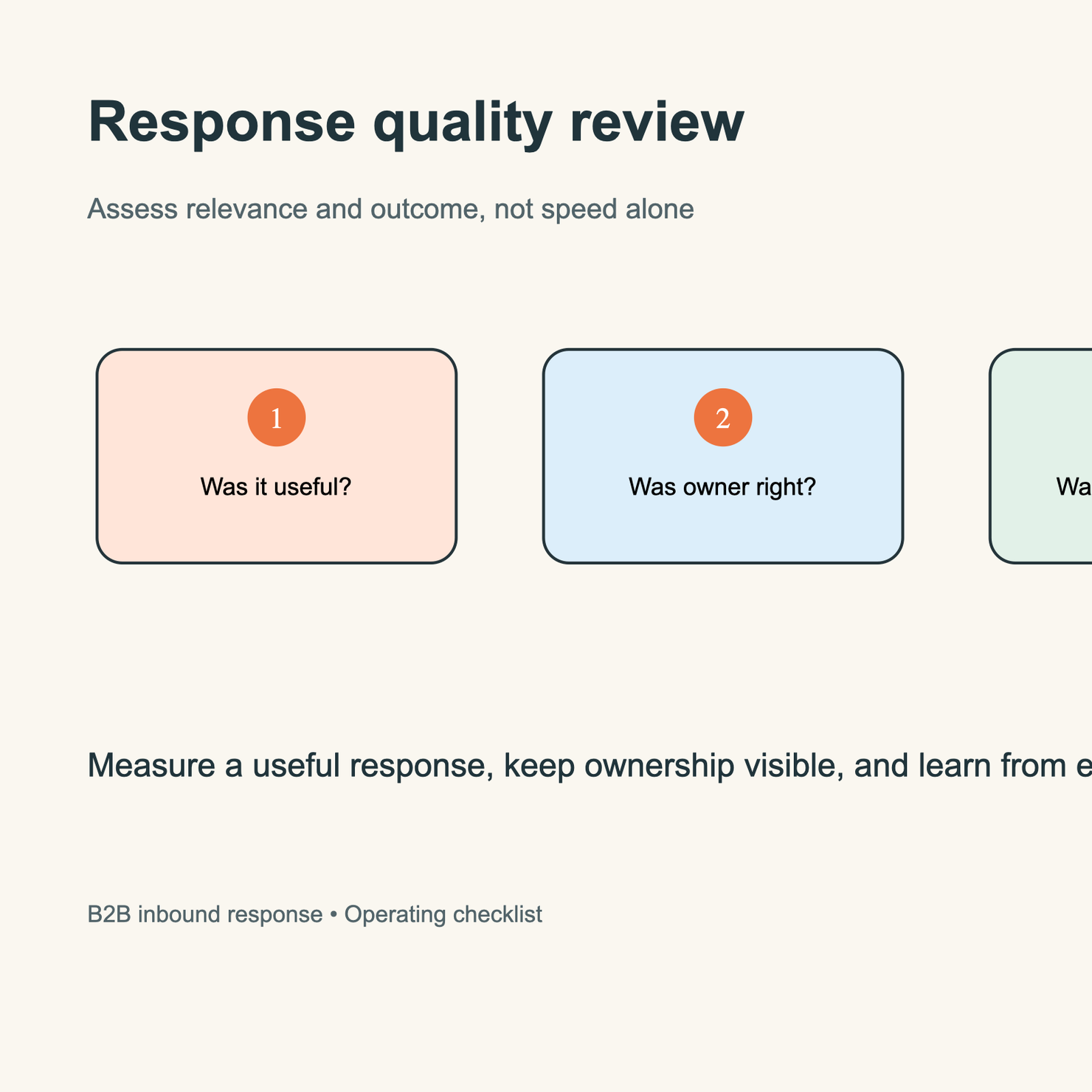
Speed is one part of quality. A quick, irrelevant message can frustrate a buyer; a thoughtful response sent too late may miss the moment. Record whether the request reached the correct owner, whether the response matched the inquiry, and whether the next step was clear. The right target depends on buyer expectations, request type, staffing, and sales motion.
Design the intake and routing rules
Map the inbound sources: demo forms, contact requests, event follow-ups, product questions, chat, and customer support. Keep the form short, but capture enough to respond appropriately. Preserve source and campaign details. Use only information collected in a permitted way, and avoid adding inferred attributes that are not necessary for routing.
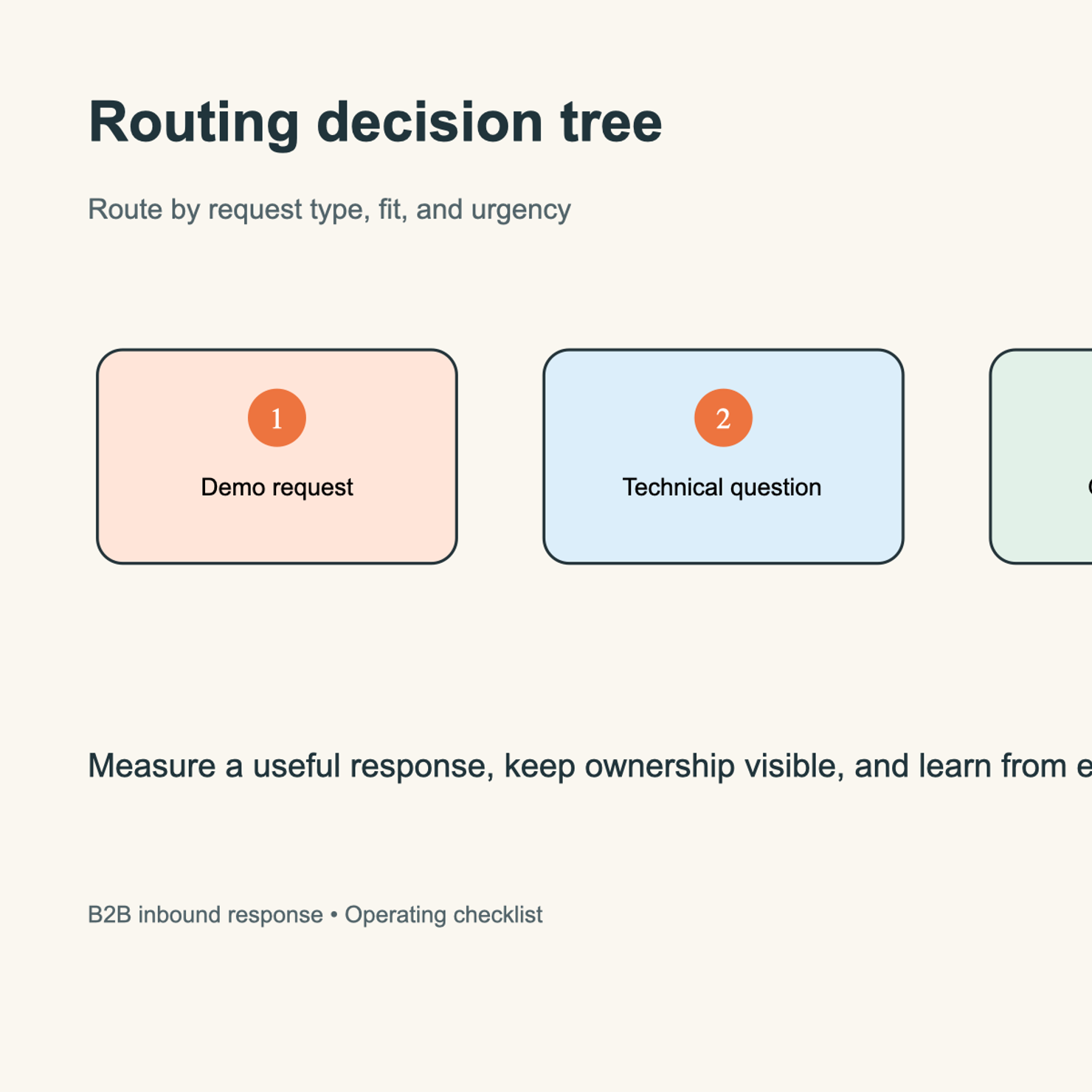
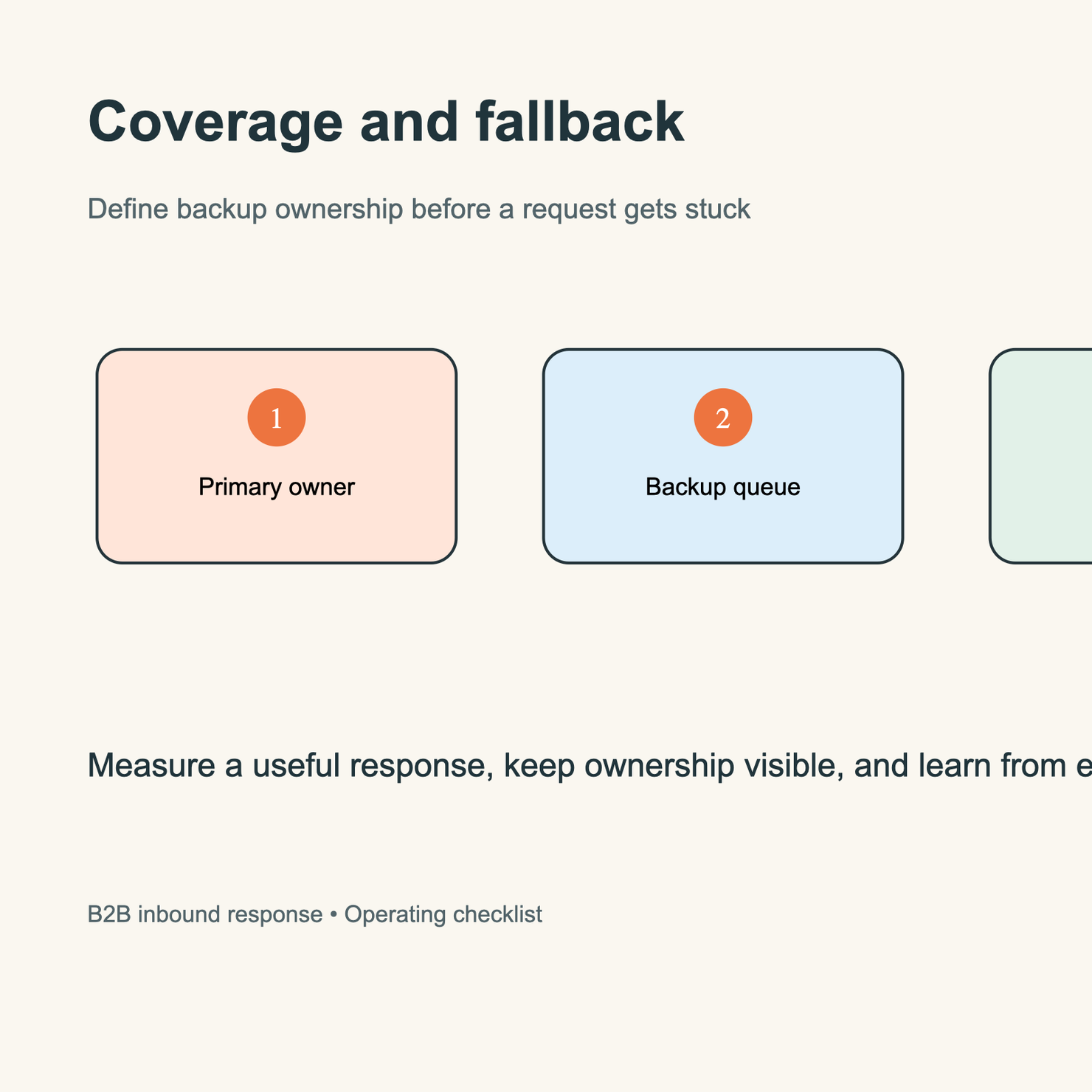
Set routing rules for geography, product, account ownership, language, and availability where those factors matter. Route existing customers to the right service owner instead of sales. Assign a primary owner and a fallback queue. Salesforce describes a recent internal routing redesign that used different intent and product-interest signals to direct requests; it is an example of one company’s system, not a universal blueprint. See the Salesforce routing case study.
Define response standards by request type
A pricing or demo request may need a timely personal response during business hours. A general newsletter sign-up may need only the promised confirmation and access to the content. A technical issue may require a specialist. Document the expected owner, response channel, service window, and escalation path for each category. Make the standard realistic enough that the team can meet it consistently.
Use automation for acknowledgement, routing, and reminders where it reduces delay. Keep the human responsible for interpreting context, answering nuanced questions, and deciding the appropriate next step. Test the workflow with common and edge cases, including duplicate submissions, missing data, out-of-office owners, weekends, and system outages.
Write a relevant first response
Use the information the buyer chose to provide. Confirm what they asked for, answer the immediate question, and offer a clear next step. A response can be brief without sounding generic. If more information is needed, explain why and ask only for what is relevant. Avoid pretending to know the buyer’s intent from anonymous activity or including unrelated sales claims.
Create practical templates for common requests, but allow representatives to adapt them. Include links to useful resources when they match the question. If a response requires a specialist or the right owner is unavailable, tell the buyer who will follow up and when. That update is more helpful than silence while a queue is being resolved.
Put this into practice
The GTM Funnel Playbook
How B2B teams find, win and keep customers, with a 90-day action plan. Seven funnel stages, one owner each, from the revenue number to the clients you keep.
Measure performance and improve the system
Track median and high-percentile response time, percentage meeting the service standard, routing accuracy, request-to-meeting progression, and buyer feedback. Segment by request type, source, region, and business hours. Averages can hide long delays, and conversion alone may reflect lead quality or seasonality. Review actual conversations to judge relevance and helpfulness.
Audit missed targets weekly at first. Look for patterns such as uneven queue load, inaccurate ownership, incomplete forms, weak notifications, or a target that does not match staffing. Fix the cause rather than asking people to work around it. Remove fields and steps that delay routing without improving the response.
A practical rollout
Choose one high-intent request type. Map its path from form submission to reply and identify every system and owner. Define a meaningful response and service window, configure a primary and fallback route, test edge cases, and review a sample of actual replies. After two to four weeks, compare response time and quality with the baseline. Extend the approach only when the workflow is reliable.
A good response system helps buyers get the right help without forcing every inquiry into a sales conversation. Clear ownership, fit-for-purpose routing, useful replies, and regular review create a more dependable experience.
Frequently Asked Questions
Frequently Asked Questions
What is speed to lead?
How quickly should sales respond to inbound leads?
Does an automated email count as a lead response?
How do you improve inbound lead routing?
Which metrics matter for speed to lead?
Can AI route inbound leads?
Research and further reading
Salesforce: Lead assignment and routing case study explains how Salesforce redesigned its internal lead scoring and routing process.
HubSpot: Sales metrics and lead response time defines response time and discusses sales measurement.
Put this into practice
The GTM Funnel Playbook
How B2B teams find, win and keep customers, with a 90-day action plan. Seven funnel stages, one owner each, from the revenue number to the clients you keep.

Swapan Kumar Manna is a go-to-market and AI search strategist and Founder & CEO of Oneskai. He has spent 14+ years helping companies get found, get chosen and grow.