Part of the Modern SEO Strategy: A Practical Guide for the AI Era series
Separate search access, model training and user-triggered visits. Then check robots.txt, security rules and the content each request receives. Reliable access is a foundation for discovery, but it does not guarantee indexing or AI citations.
Key Takeaways
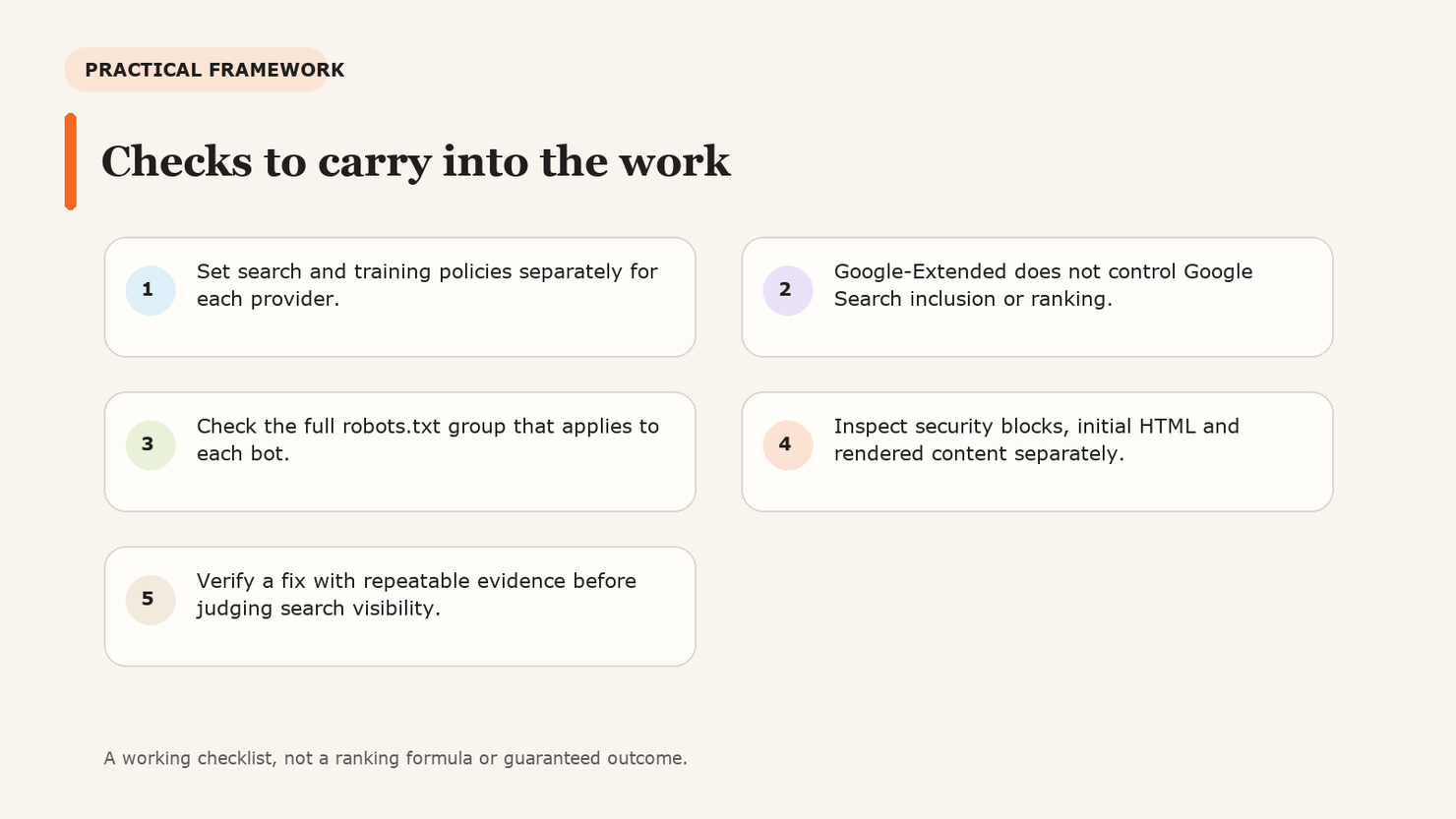
- Set search and training policies separately for each provider.
- Google-Extended does not control Google Search inclusion or ranking.
- Check the full robots.txt group that applies to each bot.
- Inspect security blocks, initial HTML and rendered content separately.
- Verify a fix with repeatable evidence before judging search visibility.
Playbooks
Frameworks you can put to work
Growth marketing, LinkedIn presence, and more — delivered as PDFs.
Browse the playbooksYour best article cannot help a search system if the request never reaches its content. Yet “allow AI bots” is too broad to be a useful instruction. Different bots serve different purposes, and an open robots.txt file does not prove that a page is readable.
When reviewing AI crawlers and robots.txt, separate three decisions: access for search, use for model training and visits triggered by a user. Then check the actual response, the content returned and any barriers at the hosting layer.
My suggestion is to start with a small access record for your important public pages. Name the service, your intended policy and the evidence that the page can be reached. This gives the team a clear issue to check and fix.
The goal is reliable access to content you want discovered. It is not a guarantee that ChatGPT, Google, Perplexity or any other product will cite it.
Search access and training access are different choices
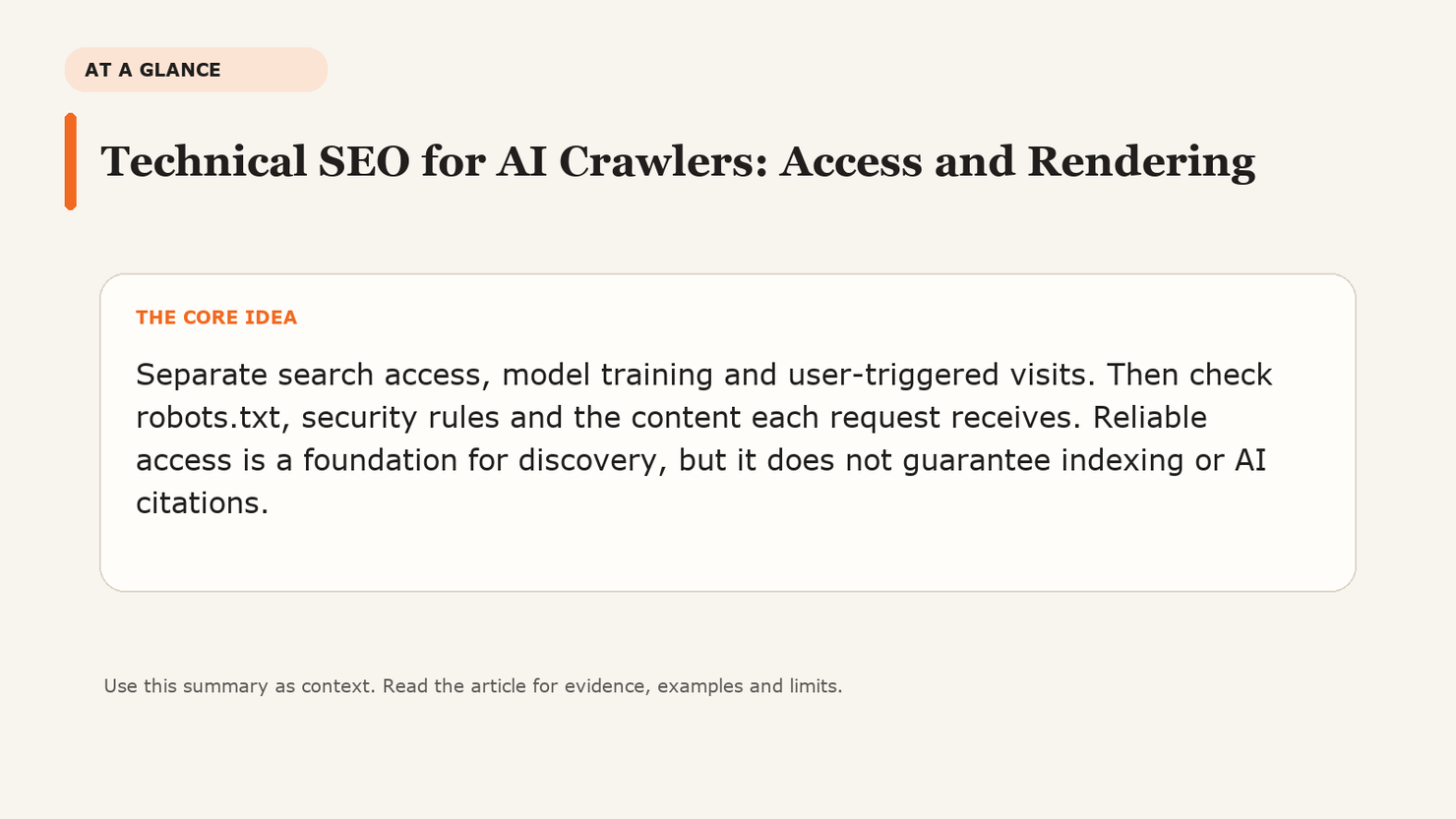
A company may want its guides found in search while choosing not to let them be used for future model training. Some providers let you set these rules on their own. Check the rules for each service. One rule will not cover every AI product.
Start with the business decision. Which public material should search services discover? Which uses are acceptable? Which areas require a login? The answers should come before anyone copies a bot list into a site settings.
Do not use robots.txt as a lock on private content. It expresses crawl preferences to services that follow it. Private pages need a real lock. Their robots rules do not keep them safe.
A practical map of the main bot controls
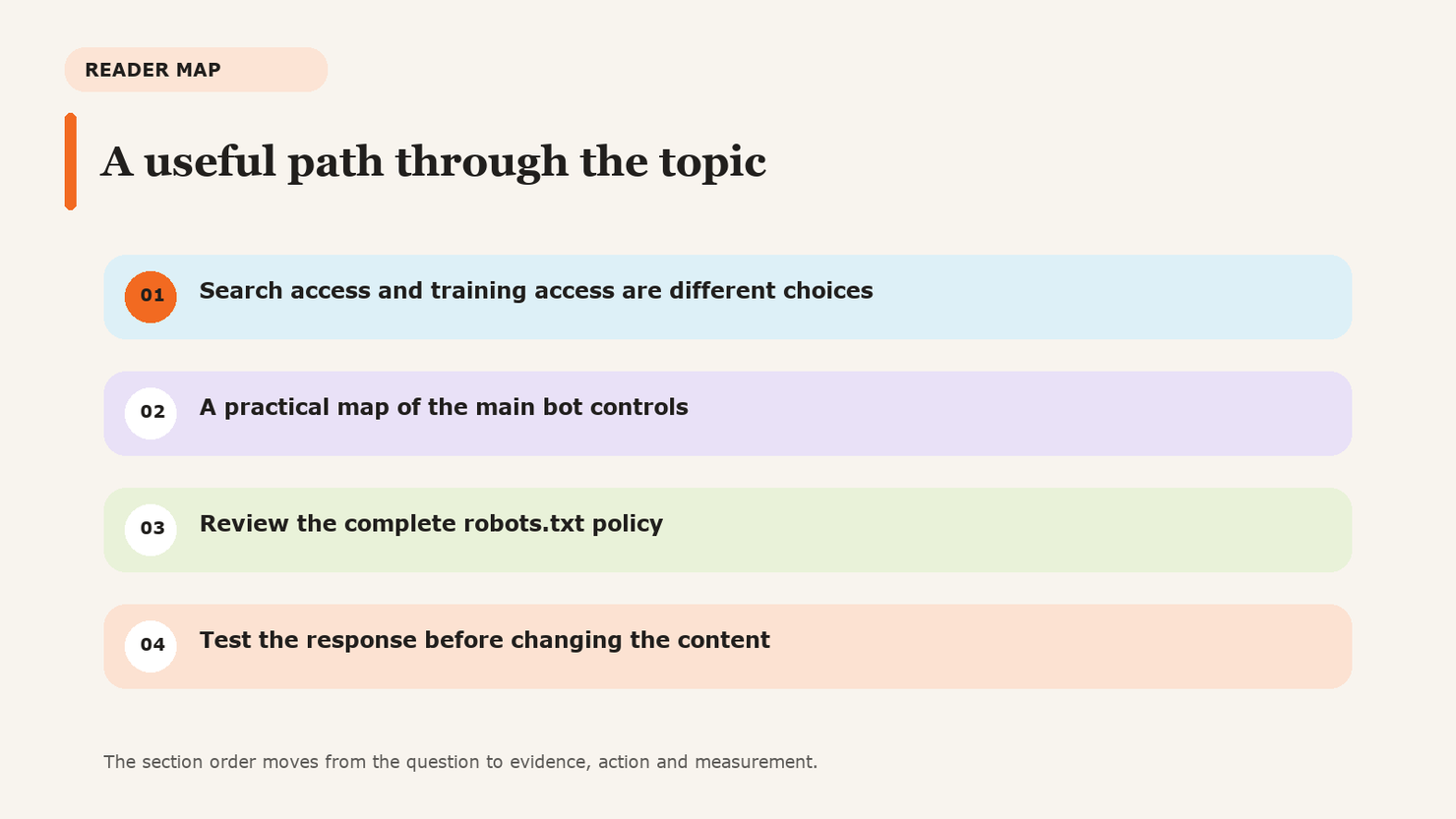
The following roles reflect official documentation checked on 9 October 2026. Keep the source links in your record. Bot names, roles and network details can change.
For OpenAI, OAI-SearchBot supports ChatGPT search, while GPTBot crawls material that may be used for model training. These settings are independent. OpenAI says opting out of OAI-SearchBot excludes a site from search answers, though links used to find the site may remain. ChatGPT-User handles certain user-triggered visits; robots.txt may not apply to those actions. See OpenAI's crawler documentation.
For Google, keep Googlebot access separate from Google-Extended. The latter is a product control token, not a separate name in a web request. It manages the Gemini training and grounding uses listed in its guide. Google states that it does not affect Search inclusion or ranking. See Google's crawler list.
For Google AI Overviews and AI Mode, Googlebot is the crawl control for Search. Search preview controls address how page information may appear. Do not treat a Google-Extended block as an opt-out from those Search features. Google's AI features guidance explains that distinction.
Google now also offers a separate Search generative AI control in Search Console. It manages whether eligible site content is used or displayed with links in Search generative AI features, including AI Overviews and AI Mode. This is distinct from Google-Extended, which covers specified training and grounding uses outside Google Search. Read Google's current Search generative AI controls.
For Perplexity, PerplexityBot supports search discovery and is not used to crawl for foundation-model training. Perplexity-User handles user-requested visits and generally ignores robots.txt. Check the Perplexity crawler guide when setting either policy.
For Anthropic, ClaudeBot collects material that may contribute to training. Claude-SearchBot serves search, and Claude-User retrieves content at a user's request. Anthropic says its bots honor robots.txt directives. The Claude Help Center describes each role and the effect of blocking it.
For Bing and Copilot, keep Bing discovery in the review. Microsoft's webmaster guidance covers SEO across Bing, Copilot and AI search. Do not assume that enabling an OpenAI bot fixes Microsoft's access path or every Copilot experience.
Review the complete robots.txt policy
Read the file served on the actual public host. A staging file or a CMS setting is not proof of what production returns. Check other subdomains as separate hosts, including documentation sites that may use another platform.
Look at the group that applies to each crawler, not just the general group. Under Google's documented rules, a more group for a named bot can be selected instead of the general group. A rule under the general group is not added to that specific group. Review Google's robots.txt specification before making changes.
For example, a site might have a general block for an archive but later add a specific search-bot group allowing the whole site. The team should check whether that specific group still reflects the intended archive policy. Do not assume the earlier block carries across.
Avoid treating Allow as a request to rank a page. It concerns crawling. Also avoid treating Disallow as a reliable way to remove a URL from an index. For Google, a noindex instruction needs to be accessible to the crawler so it can be read.
A safe editorial brief for the developer names the host, bot, path and goal. It asks them to validate the complete rule set. A rule copied from another site may miss the blocks that matter on yours.
Test the response before changing the content
An allowed crawl can still hit a login screen, a security challenge, an error or a redirect to the wrong page. Check what the service making the request receives, rather than judging only the page in your own browser.
For a public guide, record the final URL, status code and whether the response contains the guide itself. A success code alone is not enough. A challenge page may return that code but omit the article.
Review your content delivery network and web application firewall as well as the origin server. A request blocked at the edge may never appear in the application's logs. The person who manages site security may need to help trace it.
Use the provider's current way to check bot identity and published network information where available. Perplexity, for example, recommends combining user-agent checks with IP verification. A request claiming a bot name is not, by itself, proof of identity. Keep any exception narrow enough to meet your security needs.
Check initial HTML and rendered content
Initial HTML is what the server sends before browser scripts run. Rendered content is what appears after those scripts execute. Compare the two for important headings, explanations, product facts and links.
If the first response contains only an empty app shell, a reader's browser may still load a complete page later. Whether a particular crawler can do the same depends on its capabilities and the page. Do not claim that all AI crawlers have the same rendering limits.
Google can render JavaScript. Its JavaScript SEO guide also notes that not all bots can run it and recommends considering server-side or pre-rendered content. For Google checks, use URL Inspection to examine what Google can receive and render.
My practical preference is to make key public content available without requiring a complex chain of browser actions. This means the bot has fewer steps to complete. It is a design suggestion, not proof that a full site rebuild is needed.
Test a sample of page types before choosing a fix. A blog page, pricing page and help article may behave differently. The issue may be one failed data request or one template, rather than the site's entire way it builds pages.
Use a short access audit with clear owners
Choose a few pages that matter to discovery and sales. Include the home page, a key guide, a product page and a documentation page if relevant. For each, record the intended bot policy and what you actually observed.
The audit should answer four questions: can the service request the page, does it receive the right content, can the main content be read, and do indexing or preview controls match the intended use?
Show proof for each issue. Useful evidence includes a dated response, rendered HTML, a verified request in logs or the specific rule that caused a block. Give each issue an owner and a check that will show when it is fixed.
Keep the result specific. “The pricing page returned a challenge to this verified request” is actionable. “AI cannot read our site” is too broad unless you have tested the paths and products you care about.
A worked example: isolate the failed layer
Imagine a hypothetical SaaS site whose comparison page looks complete in a browser. Its search-bot rules permit crawling, but the returned HTML contains only navigation and a loading message. The comparison loads through a later browser request.
The first step is to confirm that pattern on the affected template. Then check whether the target service can read the final content and whether any required requests are blocked. The fix could involve returning the core comparison in the page response, resolving a failed request or adjusting a narrow access rule.
Now imagine that the full article is already in the HTML, but a verified bot receives a security challenge instead. Rendering work would not address that barrier. The team needs to review the rule that stopped the request.
These examples are illustrative, not findings from a test of this website. They show why you should check access, page content and rendering on their own. Each calls for different evidence and a different owner.
Verify the fix without promising citations
After a change, repeat the same check and save the new result beside the old one. Confirm that the right content is now reachable and that private areas remain protected. Continue watching logs for errors on the affected path.
A successful request shows access worked at that time. It does not prove indexing, ranking, citation selection or a lasting improvement in AI answers. Those outcomes need their own checks, with the product, query and date recorded.
Start your SEO and AI-readiness audit with one important template. Write down the intended use, check the rules for that bot and trace the response through each layer. Fix the barrier you can demonstrate before adding another file or rewriting the article.
Frequently Asked Questions
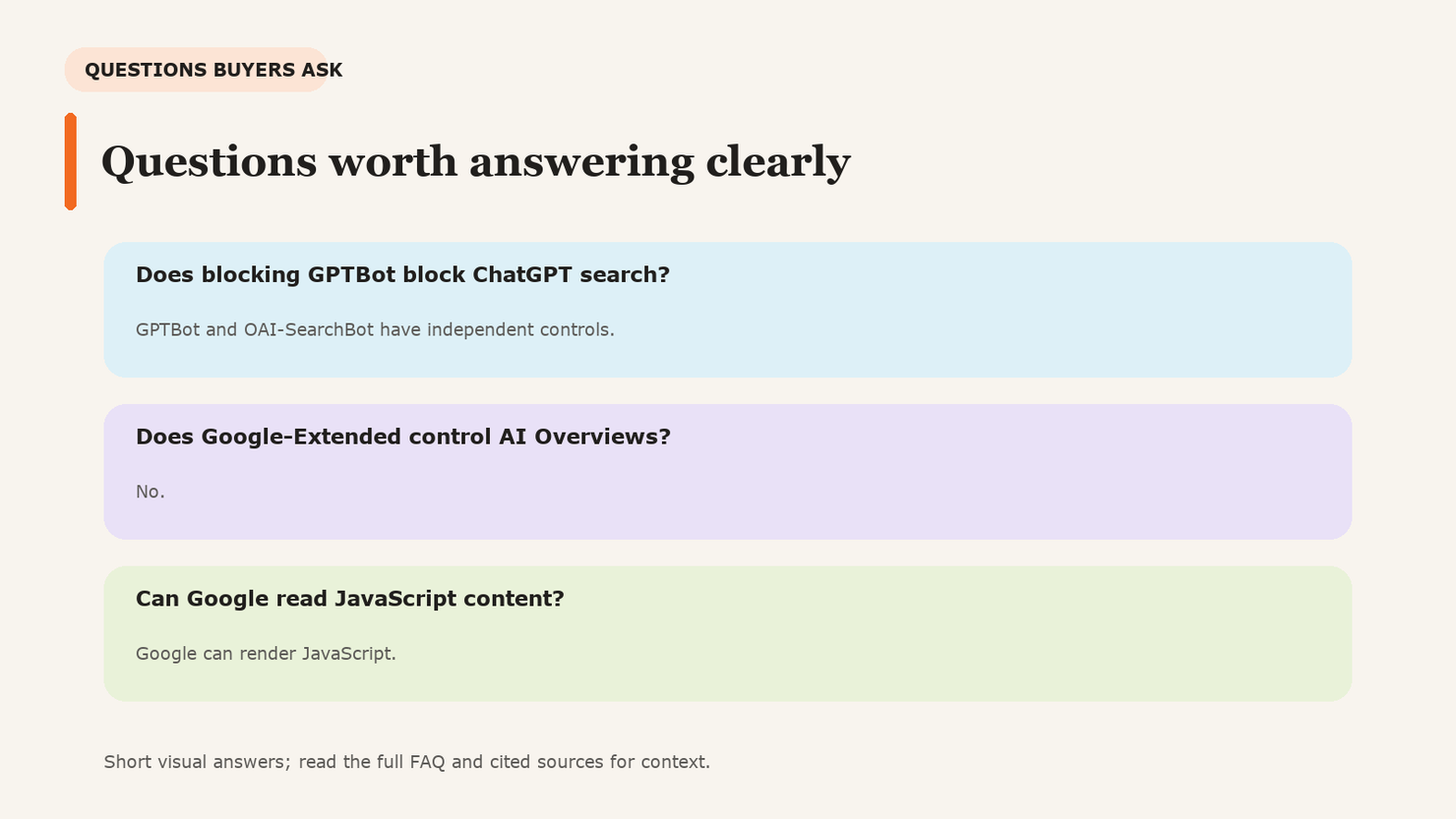
Does blocking GPTBot block ChatGPT search?
Does Google-Extended control AI Overviews?
Can Google read JavaScript content?
Why can a bot fail when robots.txt allows it?
Frequently Asked Questions
Does blocking GPTBot block ChatGPT search?
Does Google-Extended control AI Overviews?
Can Google read JavaScript content?
Why can a bot fail when robots.txt allows it?

Swapan Kumar Manna
Go-to-market & AI search strategist
Swapan Kumar Manna is a go-to-market and AI search strategist and Founder & CEO of Oneskai. He has spent 14+ years helping companies get found, get chosen and grow.